


 FREE Delivery over £35
 Unbeatable Prices

Troubleshooting Steps for HP 219 Series
Jul 10 2026
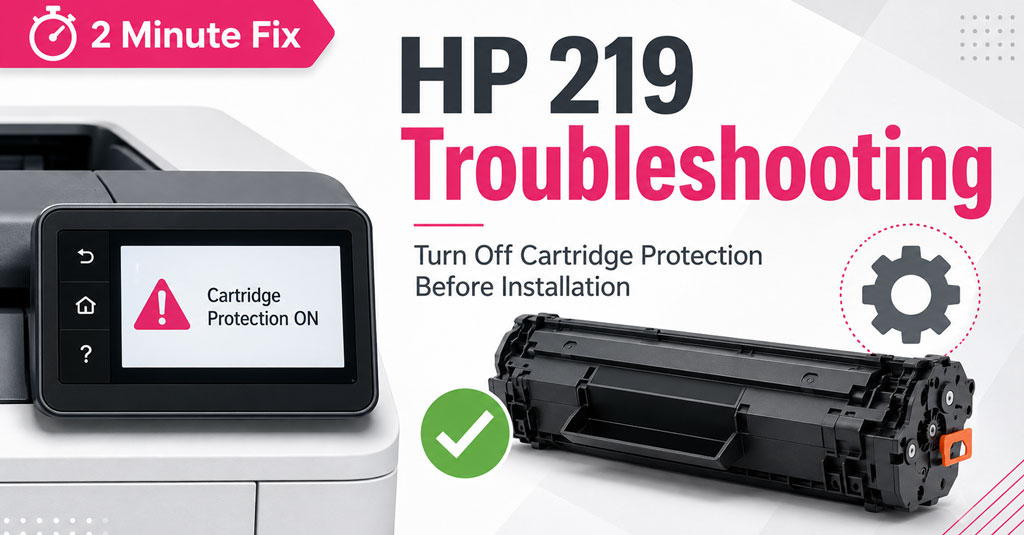
HP 219 Cartridge Not Recognised? How to Turn Off Cartridge Protection
If your new Cartridge People HP 219 toner cartridge isn’t being recognised, or your printer displays messages such as ‘Protected Cartridge’, ‘Unauthorised Cartridge’ or ‘Authorised HP Cartridge Only’, the issue is usually caused by HP’s Cartridge Protection setting.
Follow the steps below to turn Cartridge Protection off before installing your new cartridge.
Download Troubleshooting Steps for HP 219 SeriesStill need help?
If you’re still experiencing problems after following these steps, our Customer Service team will be happy to help.
📞 0203 001 0234
FAQ
Why do I need to turn off Cartridge Protection?
HP Cartridge Protection is designed to lock cartridges to a specific printer. Compatible HP 219 cartridges require this feature to be disabled before installation.
About The Author
